Back of the modem
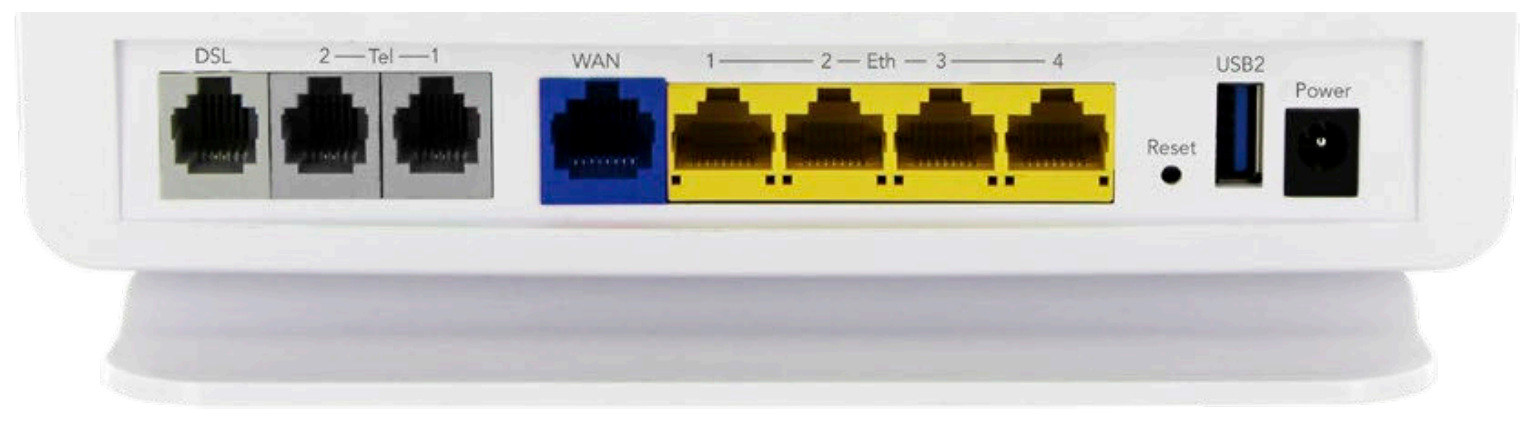
The back of the modem/router downstairs will have a few coloured ethernet ports on the back that look like this ↓
Get a mesh router
Get yourself one of these. You literally only need one.
Get a bundle only if you want to try and extend the WiFi signal down your hallway. You can do this at the start, or later buy more extenders to add to the mesh system.
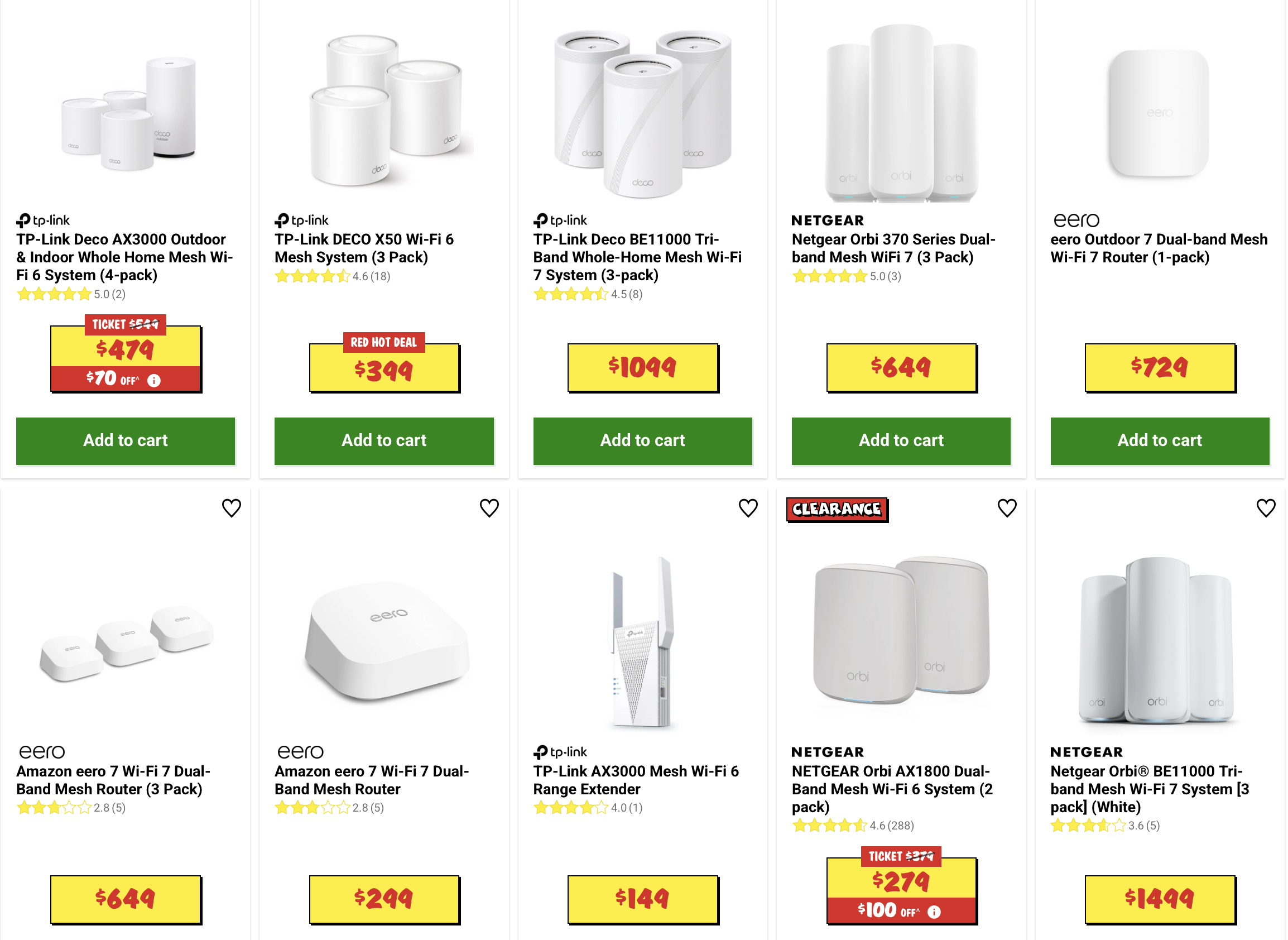
Important: Make sure it has a direct Access Point. This means it needs an ethernet port/input.
Some of the cheaper ones will only connect to the downstairs modem/router via WiFi. You want to connect it via ethernet, so it needs to have an ethernet port.
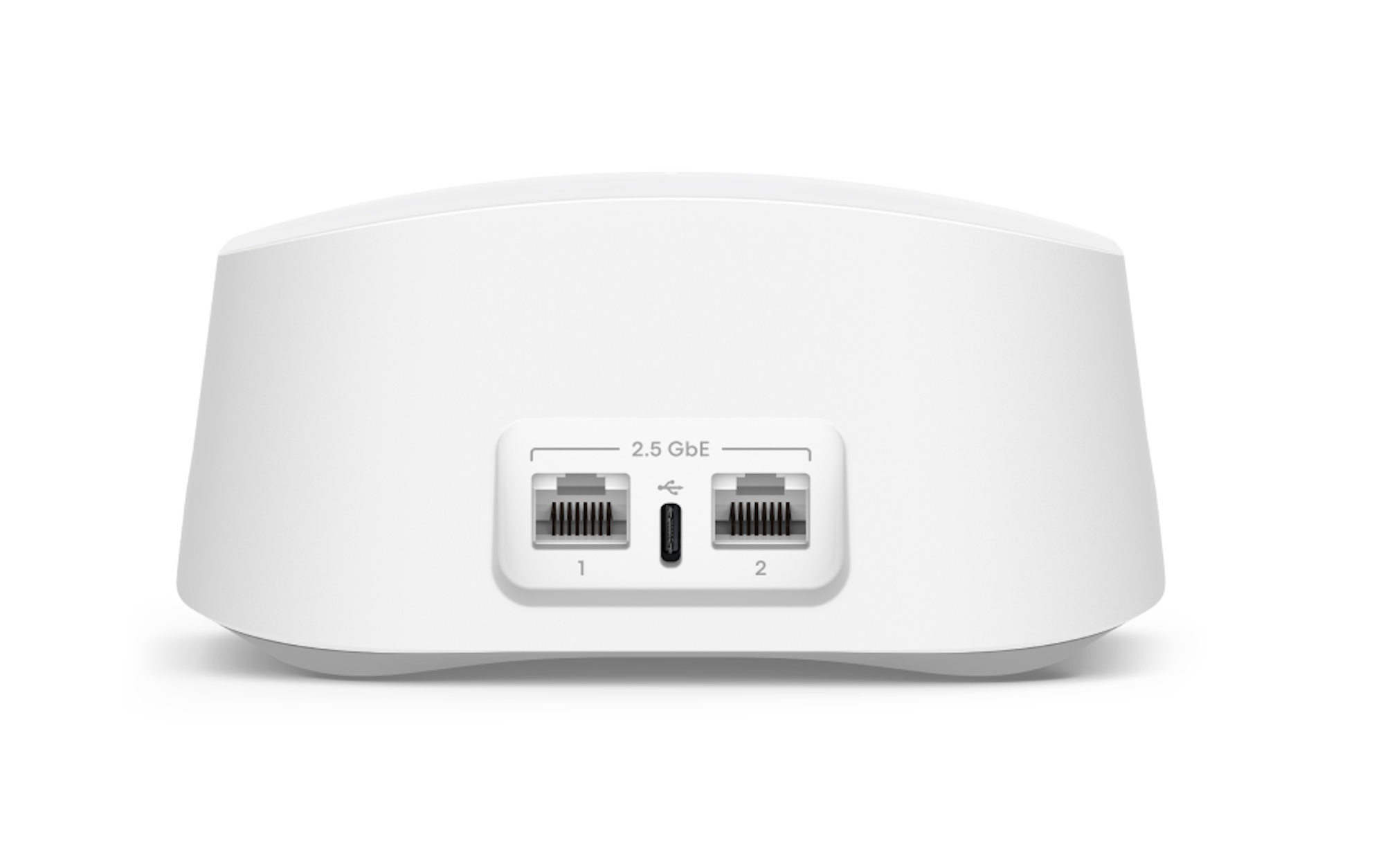
Here is an example of ethernet ports on a mesh router ↓
Run the ethernet cable from downstairs
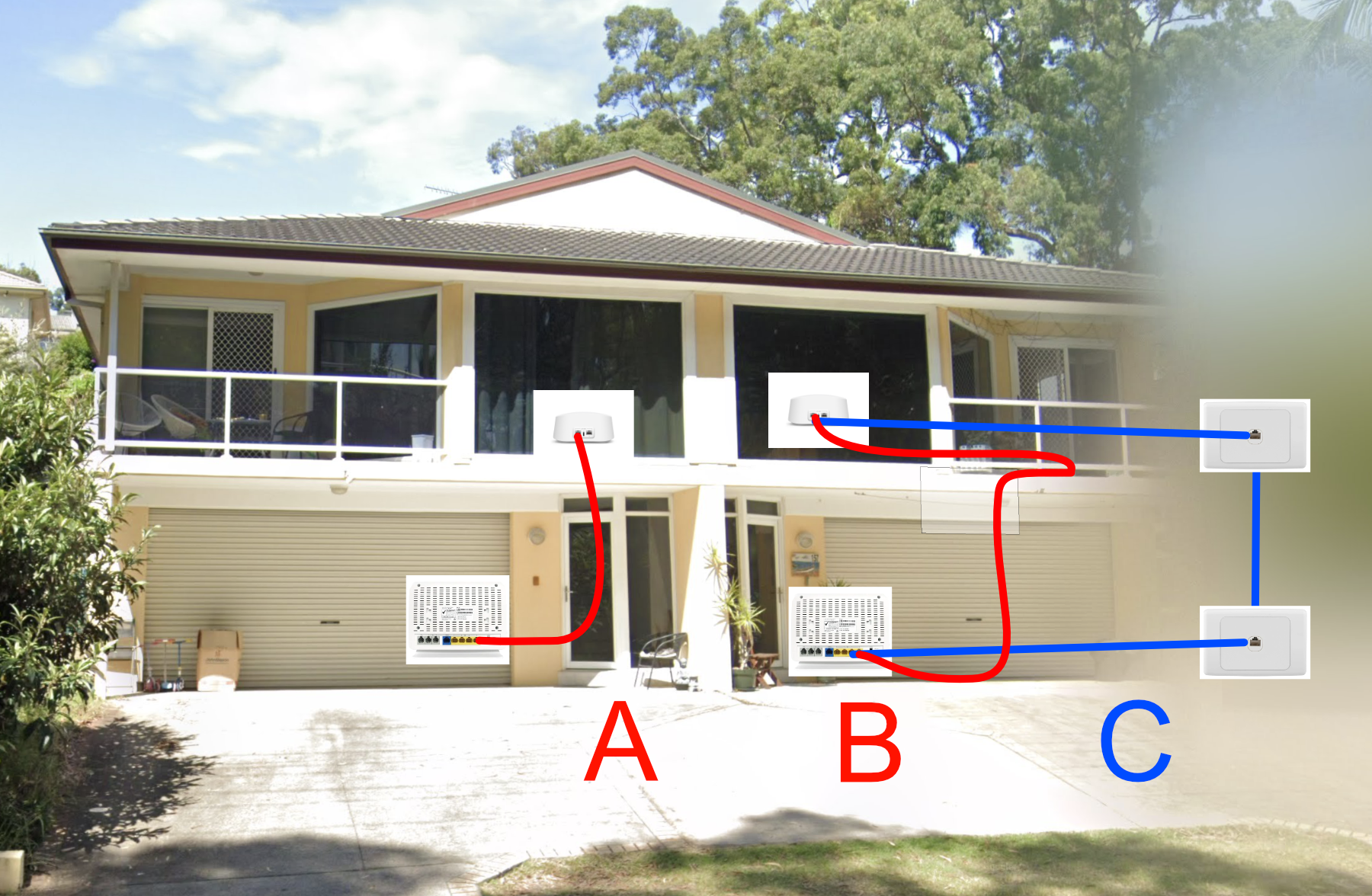
A & B
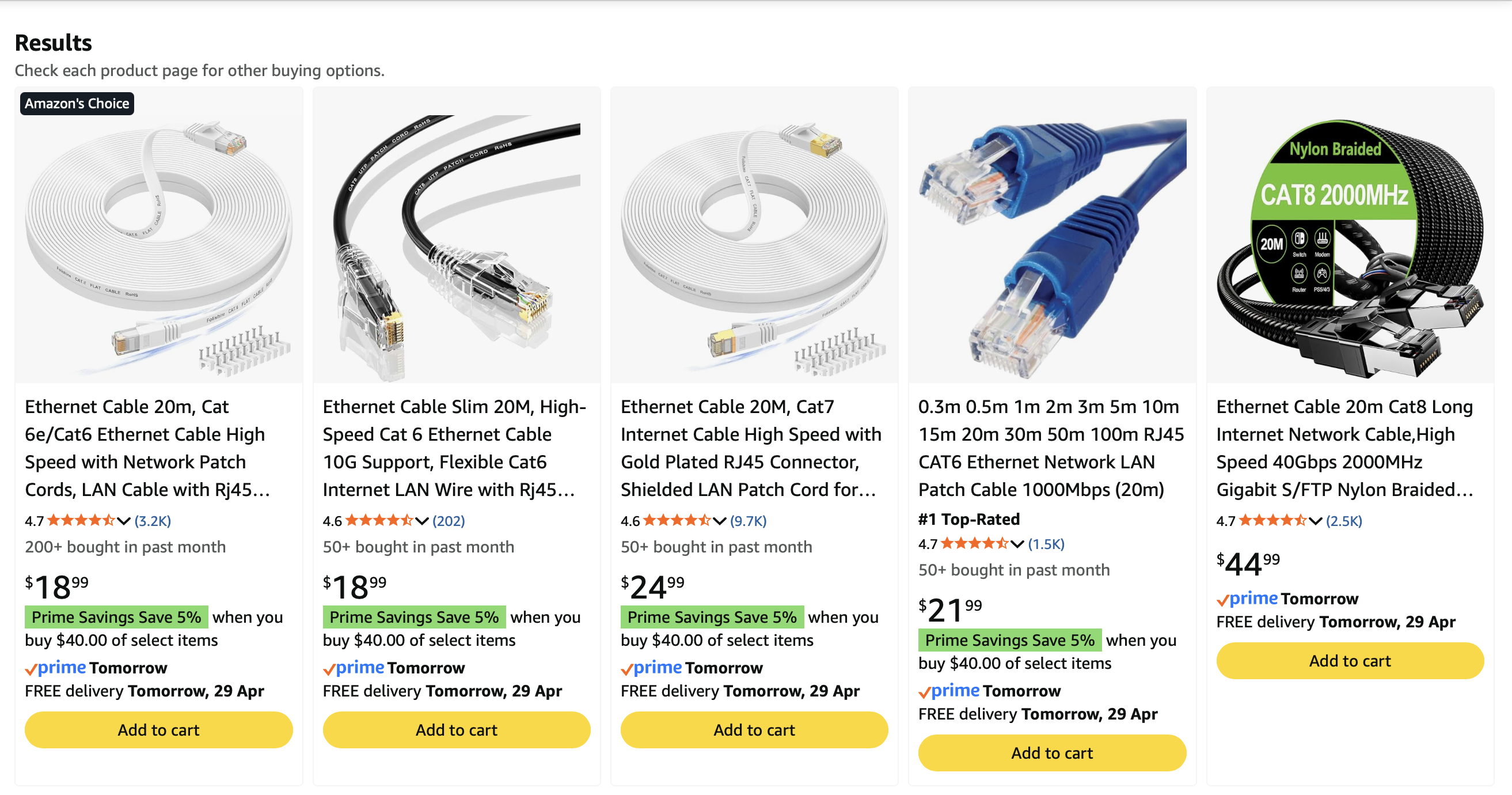
These are essentially the same thing. You just run a 10 to 20 metre ethernet cable from downstairs to upstairs.
Run it up the internal stairs. It might fit under the door so it can still be closed.
Run it outside externally from under the garage to your balcony door.
Basically any window or gap that can fit a cable through can be used. A 20 metre cable is usually cheap and easy to find online.
C
You get a professional to install one of these upstairs.
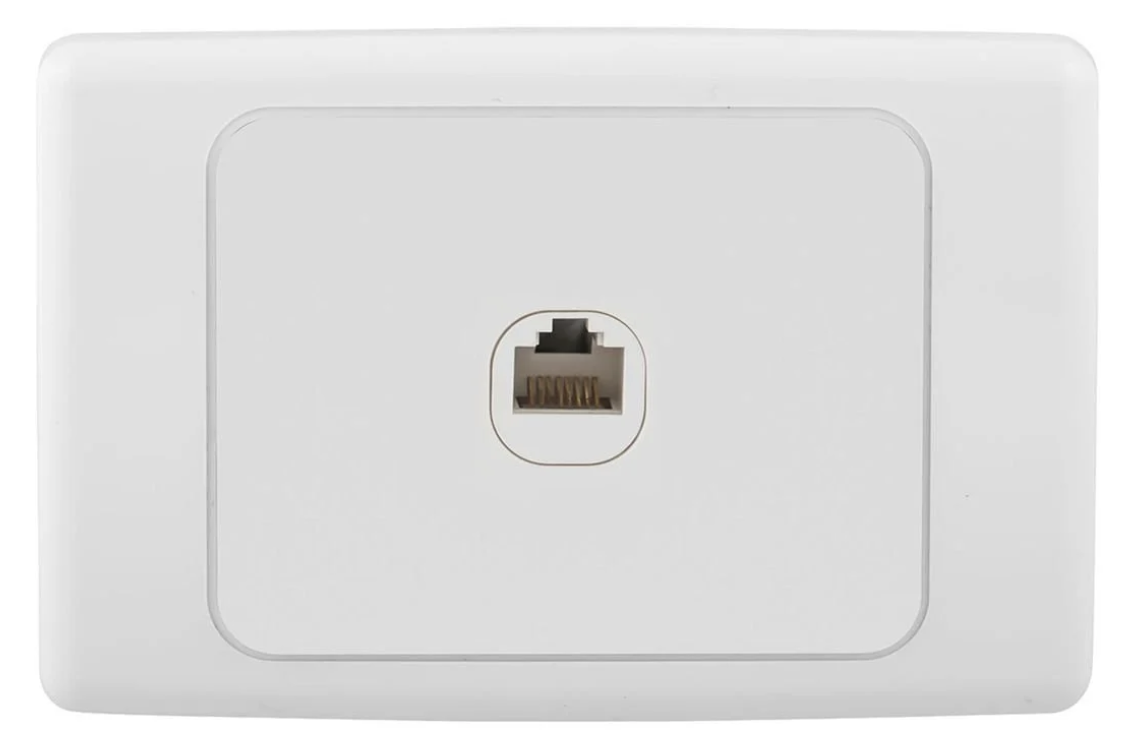
You said they had one downstairs? Cool, just replace it with this:
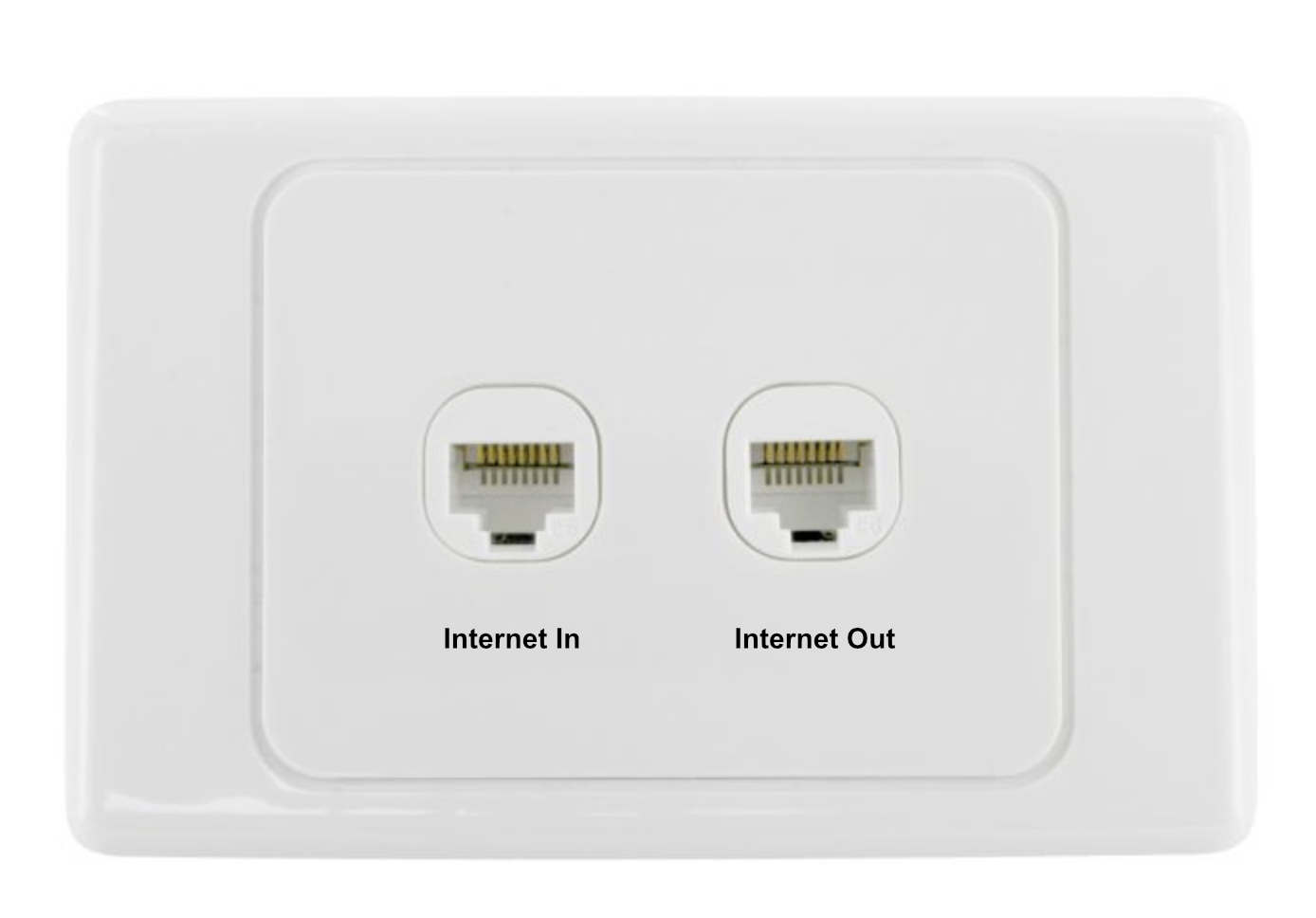
The pro will determine the best way to run the cable.
They could run it:
- Internally through the walls
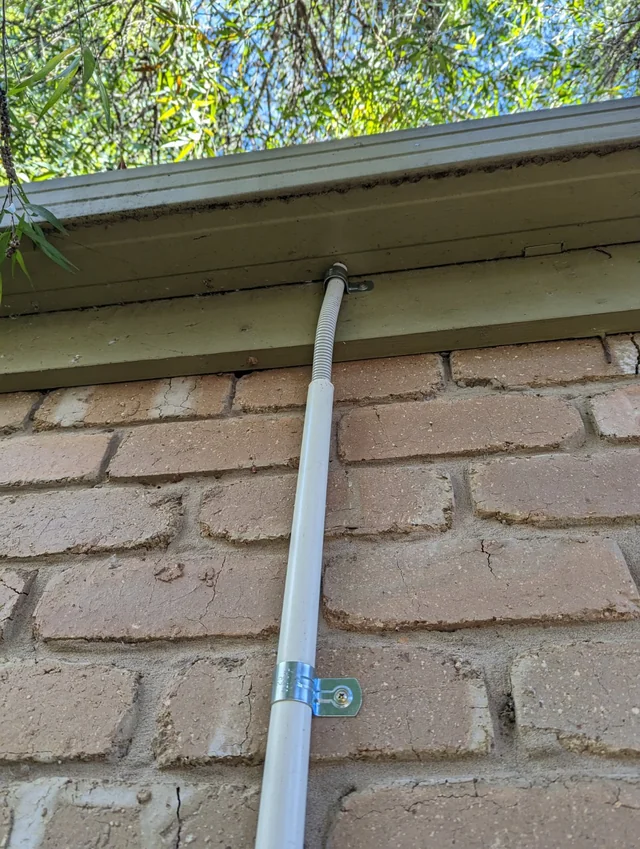
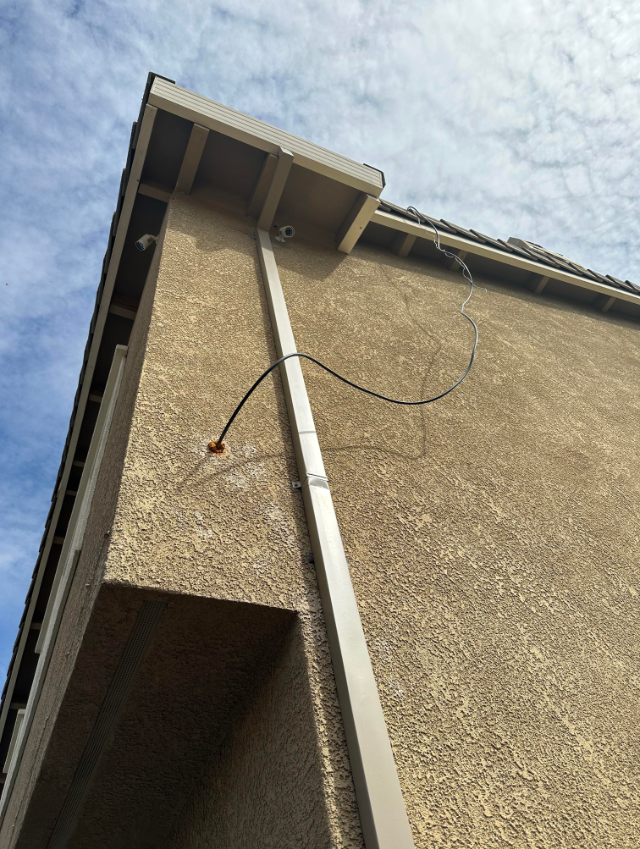
- Drill through to outside and cover it with piping
- Drill into the internal stairway and run it up along the stairwell
- Drill into the roof and have a port on the floor… I got no idea.
They’ll sort it.
Here’s some examples of covered and uncovered cables outside of the home ↓
Finally
This would be a single bill, but it provides internet provider freedom unlike Starlink.
Security note: This is a bit of a security issue because everyone is on the same network. If they/you download some virus shit into the network, then everyone can be affected.
Also, you will be on a shared network, so your devices might show up as “other devices” or “share with person on your network” on each other’s computers and TVs.
What I would do
I would probably just run a cable up the stairs because I’m a povo and it’s cheap and easy.
If I had money, I would do C in reverse. I would pay to have the NBN feed into upstairs and then route it downstairs for them. That way I could control the modem/router and the security.
I would then activate the guest network on the modem/router and give them the password for that, which essentially puts them on a different network than the one you’re using.